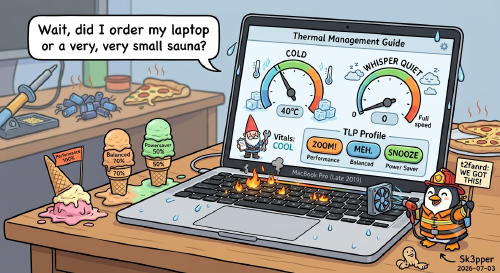
Thermal Management Guide
Overview This guide covers fan control, CPU temperature monitoring, thermal management, CPU frequency capping, throttle monitoring, power management (TLP), GNOME desktop setup, and keyboard customization for a MacBook Pro Late 2019 running t2linux-ubuntu.
1. Fan Control with t2fanrd Check Service Status sudo systemctl status t2fanrd Manage the Service sudo systemctl start t2fanrd sudo systemctl stop t2fanrd sudo systemctl restart t2fanrd sudo systemctl enable t2fanrd # start on boot sudo systemctl disable t2fanrd # disable on boot View Logs journalctl -u t2fanrd -f Configuration File sudo nano /etc/t2fand.conf Configuration Parameters Parameter Description low_temp Temperature (°C) where fans start spinning above minimum speed high_temp Temperature (°C) where fans reach maximum speed speed_curve How fan speed scales between low and high (linear, quadratic, etc.) always_full_speed If true, fans run at max RPM constantly, ignoring the curve Recommended Configuration [Fan1] low_temp=40 high_temp=80 speed_curve=linear always_full_speed=false [Fan2] low_temp=40 high_temp=80 speed_curve=linear always_full_speed=false Below 40°C → fans at minimum (quiet) Between 40–80°C → fans scale linearly At 80°C → fans at full speed CPU is safe up to ~100°C, so 80°C as full-speed trigger is conservative [!NOTE] After editing, always restart the service: